
The short version
- Burned-in captions (also called open or hardcoded captions) are baked into the video frames. Every viewer sees the same text, and it cannot be turned off.
- Closed captions live in a separate file or track. Viewers can toggle them on or off, and often change the style or pick another language.
- Because social feeds usually start videos on mute, burned-in captions work well for short vertical clips. Closed captions are better suited to longer videos and accessibility needs.
- Fixing a typo in a burned-in caption means re-exporting the whole video. Proofread your text before you burn it in.
- Your safest bet is to keep both. Hold on to a clean caption file for platforms that support tracks, and a burned-in video for places that do not.
What is the difference between burned-in and closed captions?
Burned-in captions are drawn right onto the video frames. Once you export the file, the words are part of the picture, like a logo in the corner. People also call them open captions (since they are always open to view) or hardcoded subtitles.
Closed captions come as a separate sidecar file or track, like an SRT or VTT file, that the video player lays over the image. Viewers can turn them on or off, and many players let people change the font size, color, or language. They are called closed because you can hide them.
People use the words caption and subtitle differently depending on where they live. Here, captions mean text for viewers who cannot hear the audio, covering both speech and important sound effects. Subtitles translate speech for viewers who can hear the audio but do not know the language.1
What about accessibility?
Captions are an essential accessibility feature for deaf and hard-of-hearing viewers, and they help many other viewers too. International web content guidelines require captions on prerecorded video with audio. Because those rules do not specify that captions must be closed, open captions can meet the standard as long as they are accurate, synced properly, and easy to read.2
Still, closed captions have clear benefits. Viewers can make the text bigger or change its color, assistive tools can read the text file directly, and one video can hold several language tracks. For school lessons, company videos, or public services, a closed caption track is usually the more flexible choice. Legal rules depend on your country and industry, so ask a qualified accessibility specialist what applies to you.
How do the two options affect editing and corrections?
A closed caption file is just plain text. If you spot a typo, you can fix it in a minute: open the file, change the word, and upload the file again. You never have to touch the video itself.
Burned-in captions are locked into the video pixels. To fix one typo, you have to edit the text, export the whole video again, and re-upload it. Proofread everything before you burn the captions in, paying extra attention to names, numbers, and any line that mixes languages.
Even after you export a burned-in video, keep the separate caption file. You will want that master copy if you ever translate the video, post it somewhere else, or re-edit the footage.
Do burned-in captions help with Hebrew and Arabic?
They can. When a line mixes right-to-left text with English words or numbers, standard video players sometimes put the punctuation in the wrong spot. Burned-in captions are rendered once when you export, so the layout you check is the exact layout every viewer gets, no matter what device or player they use.
You still have to check the preview closely, because any glitch in a burned-in caption is baked into that video file for good. Look closely at lines that end with English words, include numbers, or break across two rows.
Test the video on the screens your viewers actually use: a vertical phone screen, a tablet, and a desktop monitor. Make sure the text is large enough to read on the smallest screen and stands out against moving backgrounds. A light drop shadow or a semi-transparent box behind the words usually makes them easier to read.
What is a practical workflow that covers both?
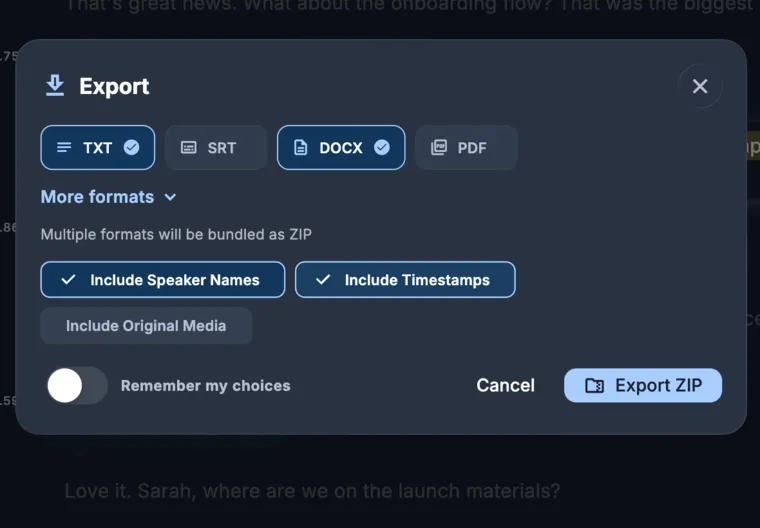
Transcribe the video first and proofread the text. Export a clean SRT or VTT file to save as your master copy and to upload wherever closed caption tracks are supported. After that, burn the captions into a copy of the video for places where you want your own styling, like vertical social feeds, or where you cannot upload a separate caption file.
KolWrite lets you do all of this from one transcript. You can export SRT and VTT files, translate between supported languages, and burn styled captions right into the video. Automated transcription can make mistakes, so always read through the text before you publish either version.
Common questions
What is the difference between open and closed captions?
Open captions are burned into the video image and stay on screen the whole time. Closed captions come in a separate track that viewers can turn on or off.
Can viewers turn off burned-in captions?
No, the text is permanently part of the video image. If you want people to be able to hide the captions, use a closed caption file instead.
Which is better for Instagram and TikTok?
Burned-in captions are a good fit for short vertical videos, which usually auto-play on mute. They also let you customize the typography. Check how the video looks on a phone and make sure the app's interface buttons don't cover the text.
Can I fix a typo in burned-in captions?
Only if you fix the text and export the whole video again. Proofread before you burn the captions in, and hold on to the separate caption file.
Do I need closed captions for accessibility?
Accessibility guidelines call for accurate, properly timed captions rather than one specific format. Even so, closed captions work better with assistive tools and viewer settings. An accessibility specialist can tell you which rules apply to your work.
Which works better for social media video?
Short clips in social feeds usually start playing on mute, and plenty of people scroll where they cannot turn the sound up. When you burn captions into the video, they show up right away in the exact style you picked, without waiting on the app to load a separate track.
Burning the text in also gives you control over how it looks. You can use big fonts, highlight the active word, or match your brand colors. KolWrite can burn styled captions with active-word highlighting straight into vertical 9:16 videos for Reels, TikTok, and YouTube Shorts.
Be careful where you place your captions. Each social app puts its own buttons and descriptions around the edges of the screen, so keep the bottom and side margins clear. Test the final look on a phone.